Connect QuickBooks to Agristreams
QuickBooks tracks your income and expenses. Connect it and we sync your invoices, bills, payments, customers and accounts into your warehouse so you can report on profitability and cash flow alongside everything else.
What we sync from QuickBooks
Agristreams brings your QuickBooks records into your warehouse so you can report on them alongside the rest of your farm.
Invoices
One row per invoiceSales invoices and their status.
Payments
One row per paymentPayments received.
Bills
One row per billBills from your vendors.
Customers
One row per customerWho you invoice.
Vendors
One row per vendorWho you pay.
Accounts
One row per accountYour chart of accounts.
Expenses
One row per expenseMoney spent.
How it works
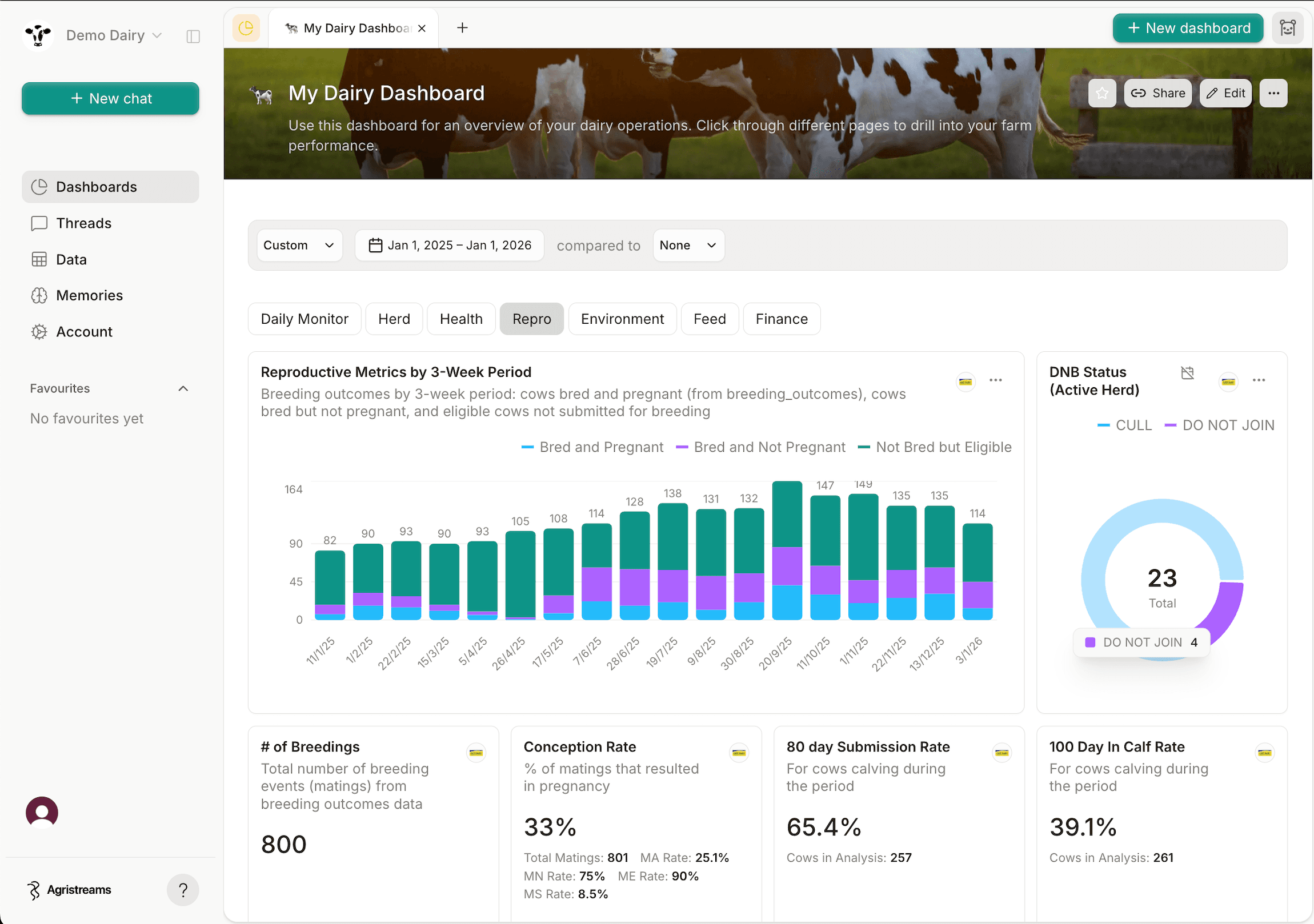
Connect QuickBooks once and Agristreams handles the rest — from sync to dashboards.
1. Connect your data
Securely connect QuickBooks and Agristreams syncs your records into your own managed warehouse, automatically.
2. Ask in plain English
Ask Aggie questions about your farm the way you'd ask a colleague — no formulas, no SQL, no spreadsheets.
3. Get instant dashboards
Get back charts and reports you can save, share, and revisit as your data keeps syncing in the background.
Questions & Answers
Ready to connect QuickBooks?
Book a demo and we'll show you exactly what your QuickBooks data looks like through Agristreams.