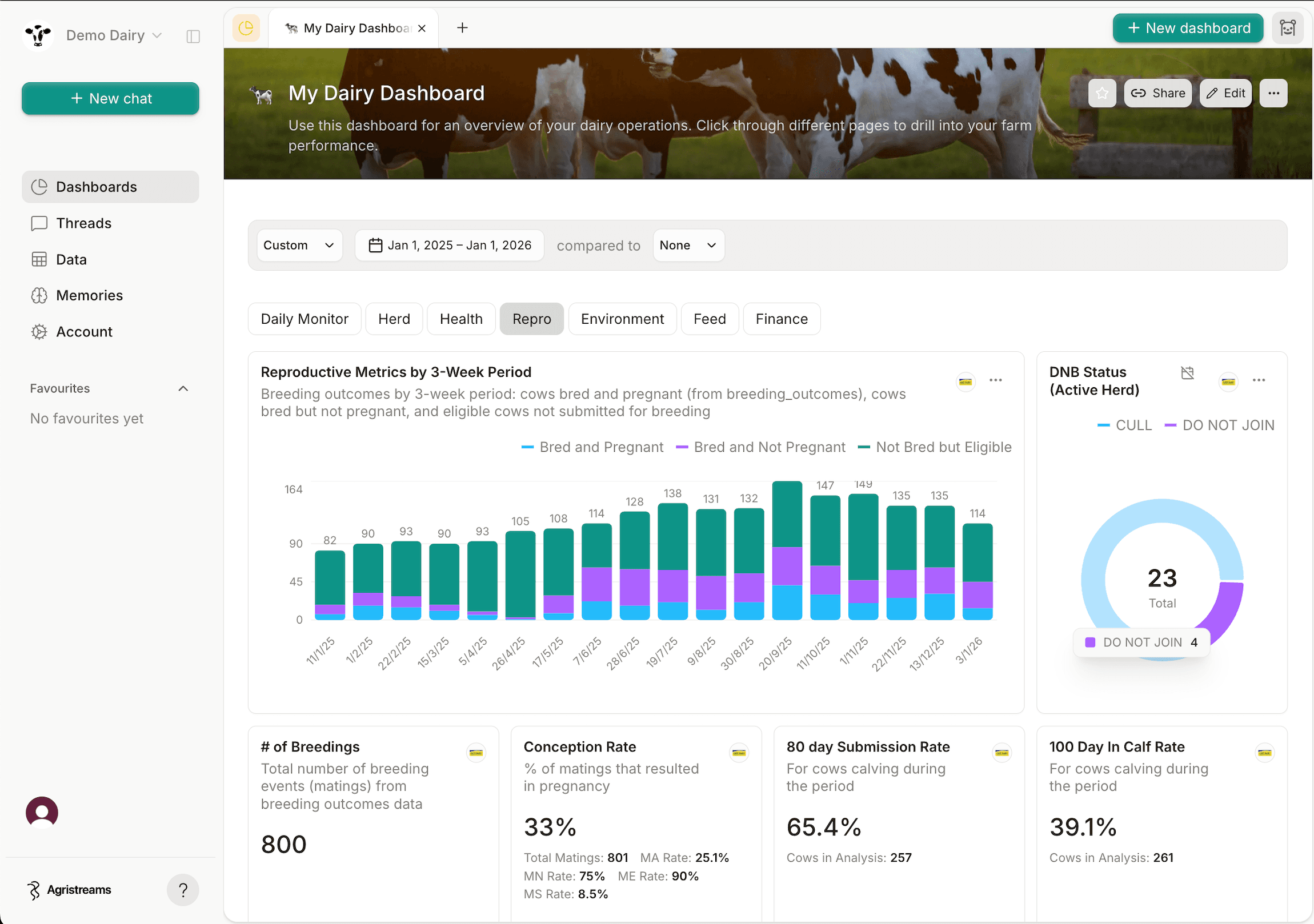
Monthly profit and loss
Compare monthly income and expenses by account.
Build Xero reports and dashboards for monthly profit and loss, invoices and outstanding balances. Explore your accounting data with Filament.
Xero holds your accounting, contacts, invoices, bank transactions and, for Australian organisations, payroll records.
Filament syncs those records into your warehouse and reconstructs a monthly profit-and-loss general ledger for reporting and dashboards.
Compare monthly income and expenses by account.
See which invoices are paid and what is still outstanding.
Understand monthly income and expenses across your tracking categories.
Monthly profit-and-loss totals by account, with account codes, types and tracking-category links where activity is assigned.
journal_dateaccount_codeaccount_typenet_amountCustomers and suppliers with contact details, status, receivable and payable balances, and default account settings.
contact_idnameis_customeris_supplierSales invoices and bills with dates, status, contact, currency, amounts due, paid and credited, and total tax.
invoice_idtypestatuscontact_idtotalSpend and receive-money transactions with reconciliation status, bank account, contact, currency and totals.
bank_transaction_idtypedateis_reconciledtotalThe chart of accounts, tracking categories and their options, plus organisation details used to interpret reports.
account_idcodetypetracking_category_idEmployees, leave applications and their pay-period breakdowns for Australian Xero organisations with payroll provisioned. The connecting user must have payroll access. Leave periods use zero-based positions within each application.
employee_idleave_application_idleave_period_statusFilament brings your apps together in a managed warehouse. Build dashboards, share reports and ask questions in plain English.
Explore the demo dashboard$118,050 of $245,000
194 of 250
The person connecting must be able to authorise the organisation and hold Xero’s reports role.
Each source uses the first tenant returned by Xero’s consent. Connect each additional organisation separately.
Every six hours. Contacts, accounts, tracking categories and organisation details are refreshed in full; transactions and Australian payroll use Xero's updated-since filters. The current and two prior ledger months are re-read to include late changes.
Choose one, two or five years when you set up the connection. The general ledger is requested one calendar month at a time across that period.
The native connection reconstructs profit-and-loss activity from monthly Profit and Loss reports, rather than Xero’s premium Journals endpoint. Journal dates are the first day of each month; daily, mid-month and balance-sheet journal analysis is unavailable.
They must be able to authorise the Xero organisation and hold Xero's reports role so the Profit and Loss report can be read. Australian payroll also requires payroll to be provisioned and accessible to the connecting user.
No. Employee and leave data is synced only when Xero reports the connected organisation's country as Australia.